 Unofficial app by Sameer Al Sahab
East-West-University-Portal-App
Unofficial portal app with many useful features for EWU students.
Sign in once and get your class schedule, reminders, faculty info, CGPA and scholarship tools, assignment covers, an exam focus mode and a student Q&A forum, all in one fast, mobile-friendly app.
Stop fighting the zoomed-in desktop portal on your phone. Open the app, unlock, and you're in.
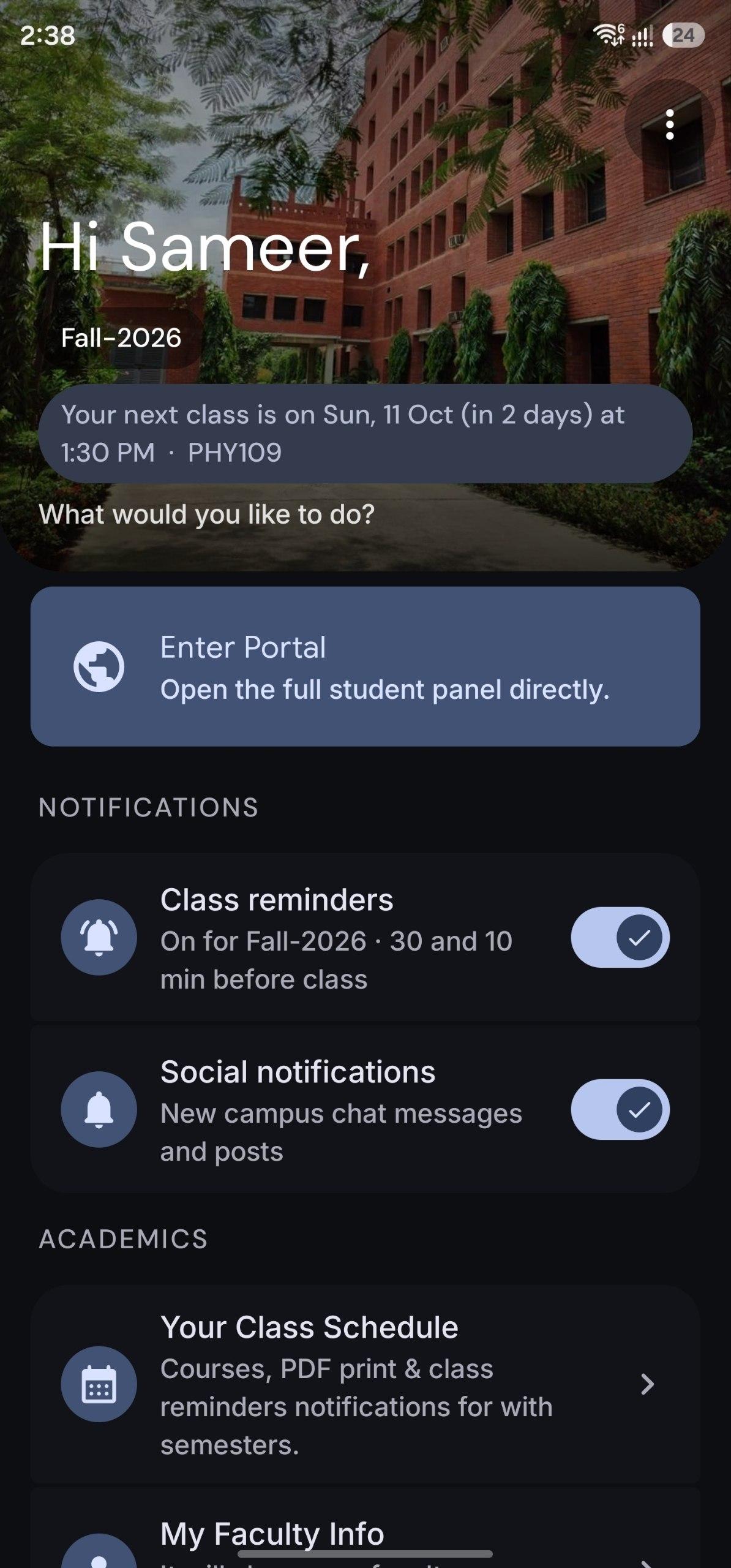
Your routine, in plain English.
The portal gives you codes like . The app turns them into days you can read and sets your reminders. Tap the day codes to try it.
Everything for your semester.
The full feature list, grouped by what you're trying to do.
AcademicsYour classes, teachers and grades.
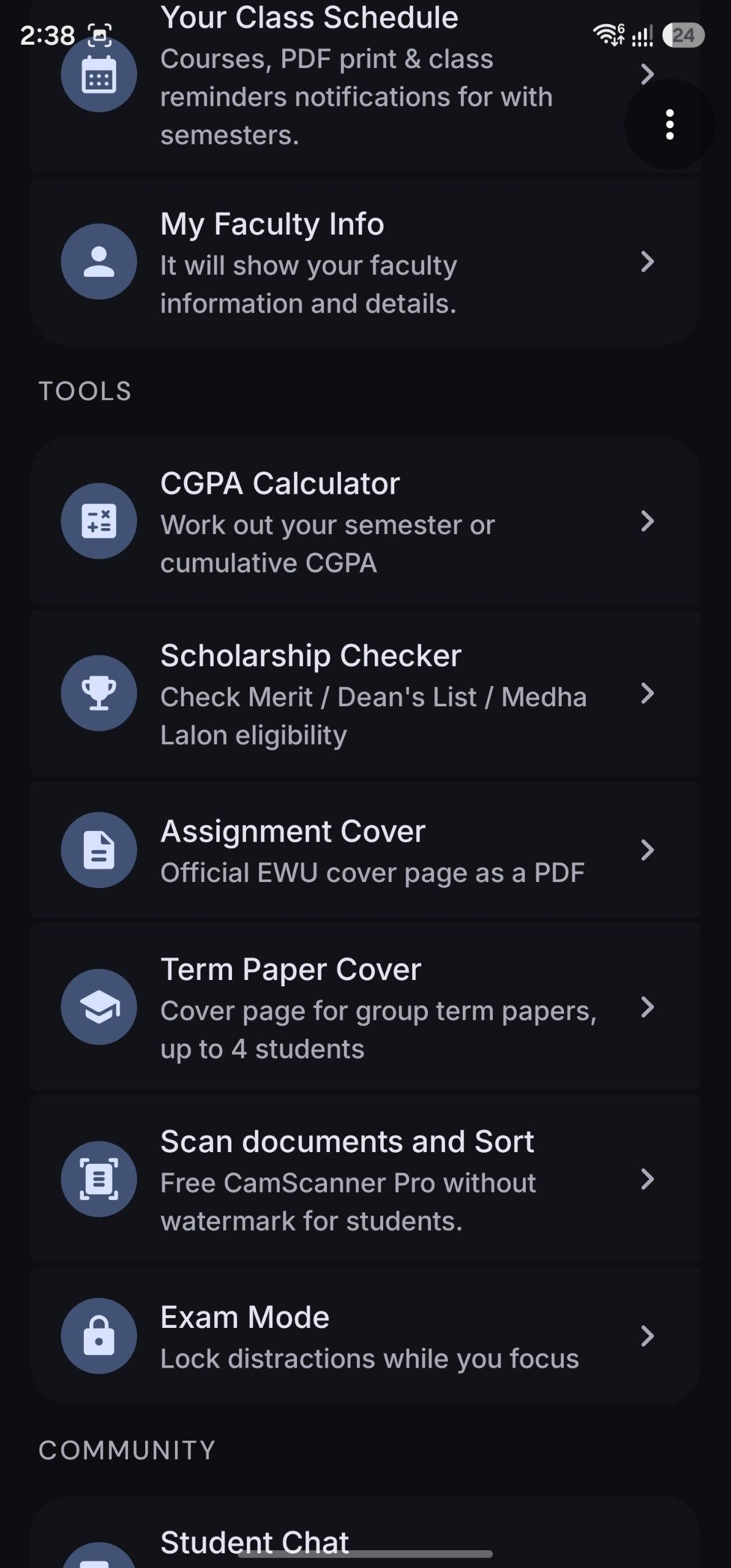
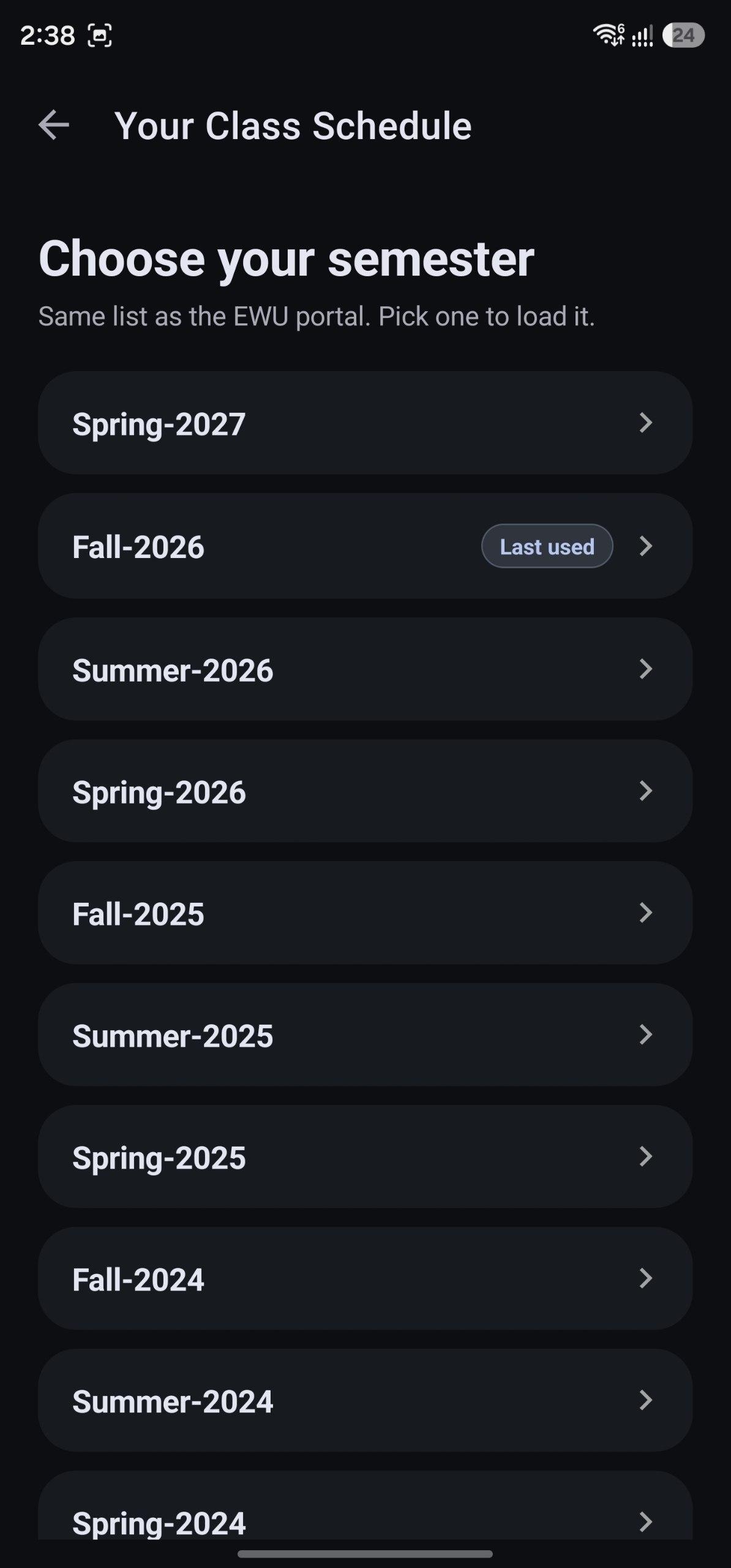
Your Class Schedule
Pick any semester. Raw SRTS codes become readable days and times (
MWbecomes Monday, Wednesday).- Shows course, section, room, instructor, credits and withdraw/drop dates.
- Export to PDF: a clean, print-friendly landscape PDF of your routine.
Class reminders
Notifications 30 and 10 minutes before every class, with course, section, time and room.
My Faculty Info
Your instructors' names and hidden email addresses for any semester, with tap-to-copy.
All Faculty Info
The full semester course, section, instructor and time list with live search by course, faculty or time.
CGPA Calculator
Work out your semester GPA or your cumulative CGPA.
Tools and communitySmall things that save you an hour.
Scholarship Checker
Enter your CGPA and admission term to see whether you qualify for 100% Merit, Dean's List or Medha Lalon, based on EWU's CGPA bands.
Assignment Cover Generator
Creates the official EWU cover page as a PDF. Name and Student ID are pre-filled from your login, and the date defaults to today. Everything stays editable.
Exam Mode
A focus lock that blocks distracting apps (social media, games and similar) while you study or sit an exam. It uses an Android Accessibility Service that you enable yourself.
Student Q&A Forum
Ask questions and answer classmates.
Scanner and documentsA free, watermark-free scanner built into the app.
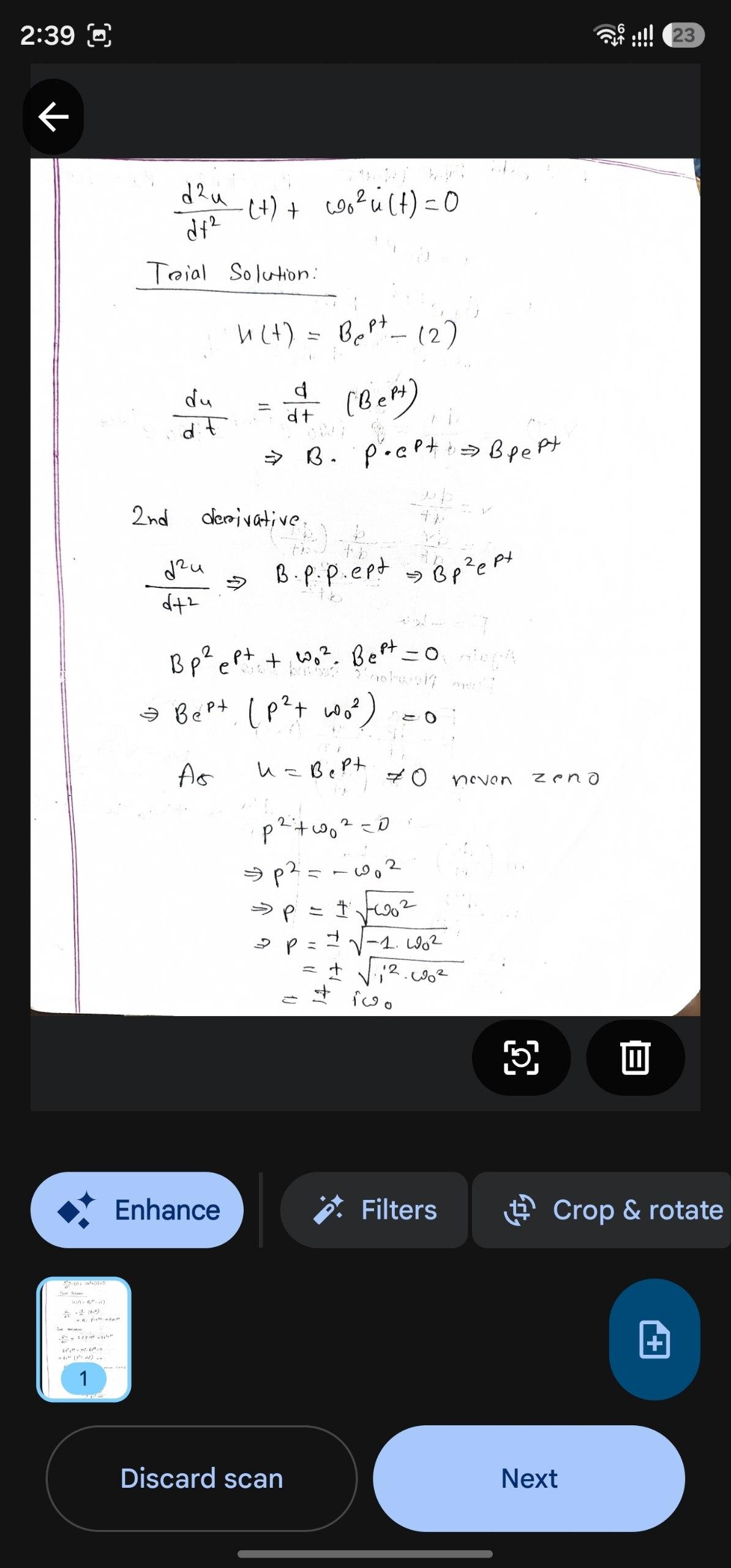
Free document scanner
Scan with your camera or import photos. Edges are detected and cropped for you, several pages become one PDF, and there is no watermark and no premium plan.
Search inside scans
Turn on text recognition and find a document by a word written in it. Recognition runs on your phone, nothing is uploaded.
Sort and arrange your documents
Sort the list by name, date or size, ascending or descending. Keep things tidy with folders, tags and favorites, and open recent files fast.
Term Paper cover with teammates
Build the term paper cover page for up to 4 students, with each person's name, ID and work share %. You are warned if the shares don't add up to 100%.
Works offlineNo signal in the lift? No problem.
Saved semesters and rooms
Every semester you open is kept on your phone. Offline, you can still see your class rooms, times, sections and instructors.
Faculty info offline
Your instructors' names and emails for saved semesters stay available without internet.
Smart internet check
Open the portal with no connection and the app tells you. Class Schedule and Faculty Info say no internet connection and show your saved semesters instead.
Reminders and notifications
Switch class reminders on from the main menu for the current semester, and get a notification for new campus chat messages.
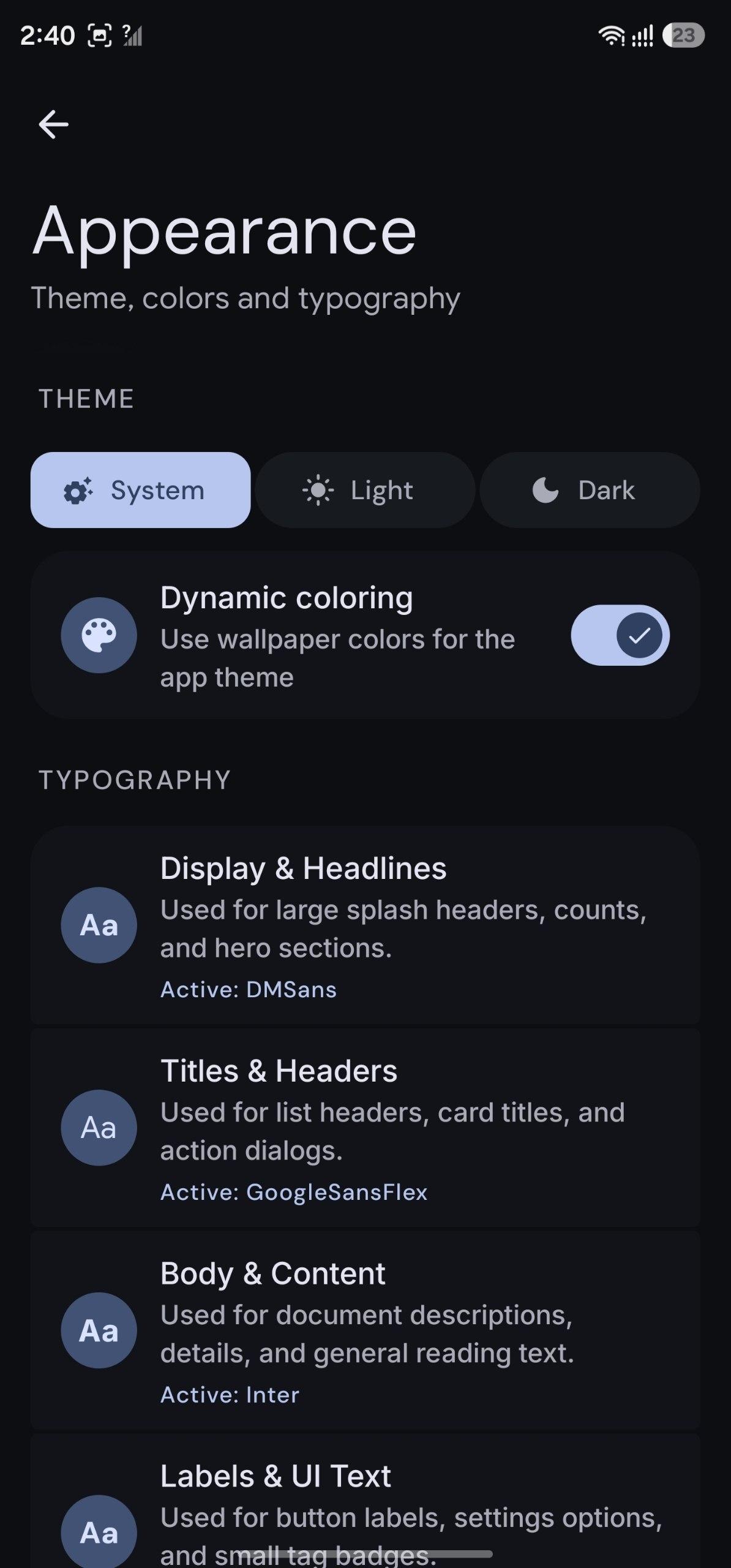
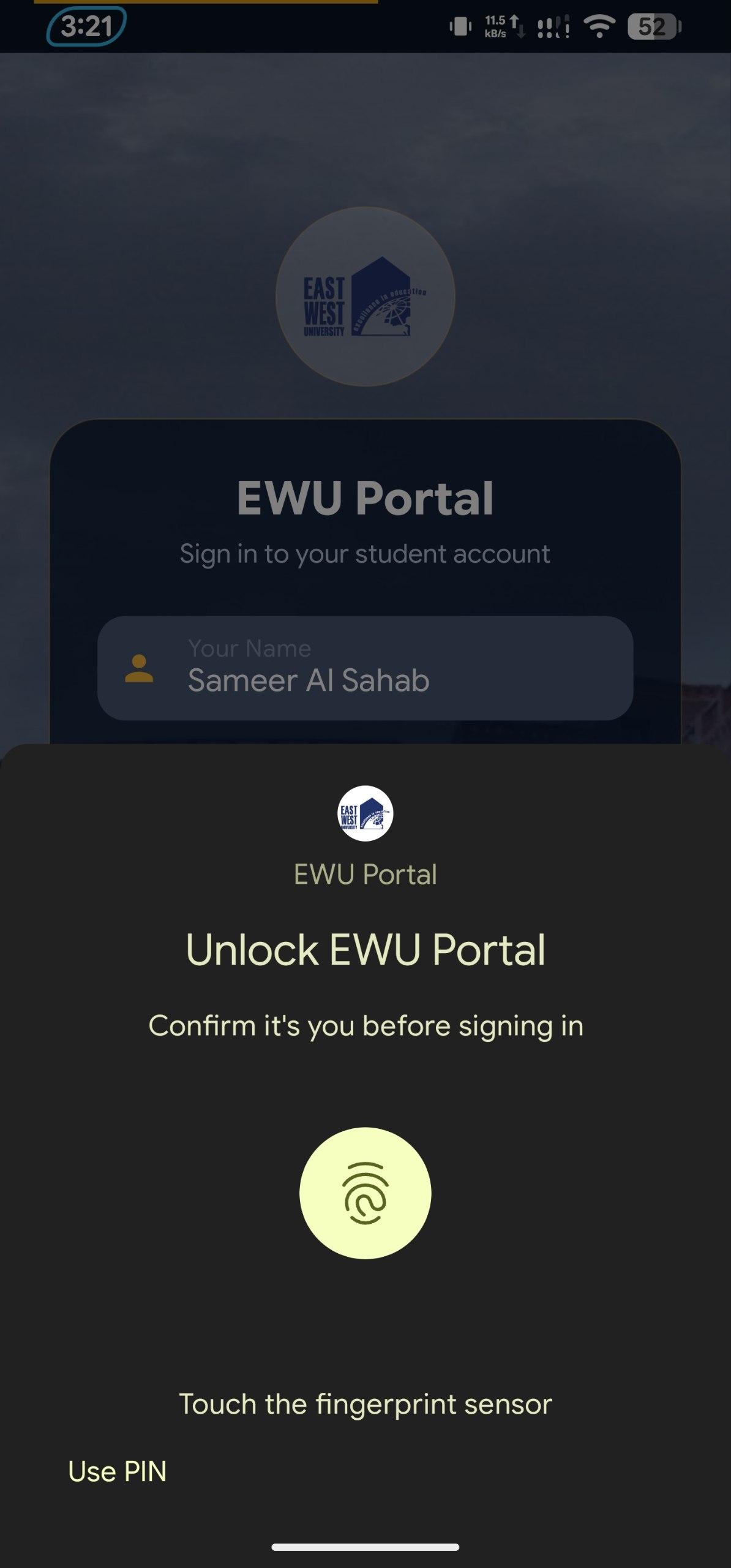
See it on your phone.
Swipe through the app.
Get the app.
Direct APK download for Android 7.0 and newer. No Play Store account needed.